
Sticky and dead key repair
MacBook Keyboard Repair in NYC
If your MacBook keys stick, repeat, feel dead, or stopped working after a spill, we inspect the keyboard, trackpad, battery area, and liquid indicators before repair.
Free
diagnostic guidance
10-11
open daily
499
7th Ave NYC
Near Penn Station
MacBook Keyboard Repair
499 7th Ave, New York, NY 10018 · Walk-ins welcome
What we fix
Common issues we repair
Why customers choose us
Clear repair advice before you pay
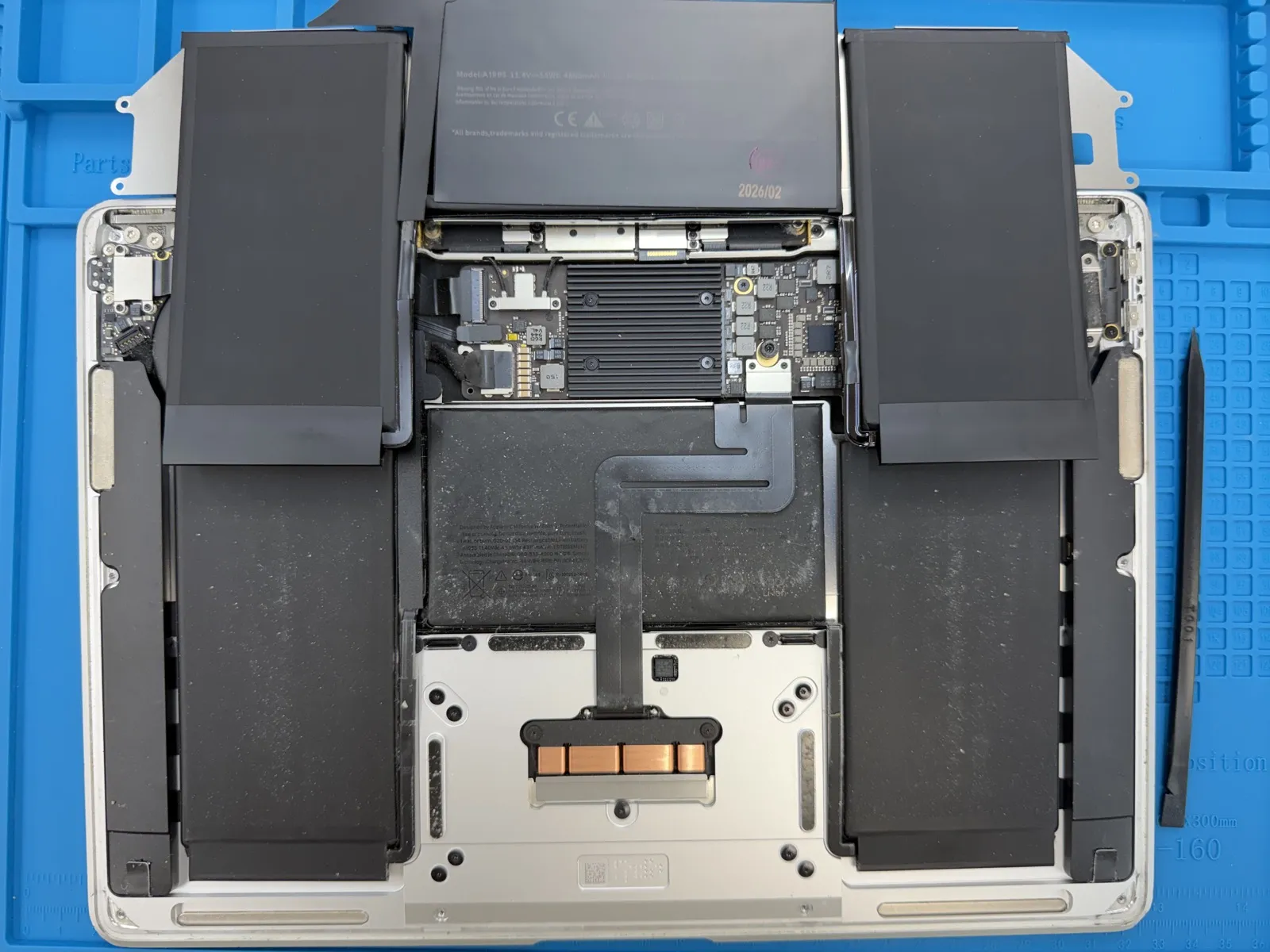
Keyboard issues can connect to liquid damage or battery swelling, so we inspect the surrounding parts instead of guessing.
Sticky, dead, and repeating key diagnostics
Liquid damage inspection
MacBook Air and Pro keyboard support
Trackpad and battery checked when needed
Simple process
From diagnostic to repair, we keep it easy.
Tell us the model and symptoms, get a clear quote, then decide whether you want to repair. No confusing pressure, no surprise work.
01
Check-in
Walk in, book online, or call with your model.
02
Diagnostic
We inspect symptoms and explain the repair path.
03
Repair
Approve the quote, then we begin the repair.
Customer care first
Your device is handled with clear communication and care
We diagnose first, explain the repair path, confirm the price, and only begin after you approve. Walk in near Penn Station or book online with confidence.
Free diagnostic
Know the issue before paying.
Approval before repair
No hidden work or surprise repair.
Data privacy respected
Your device and data stay private.
60-day warranty
Parts and workmanship covered.
Questions
MacBook Keyboard Repair FAQ
Can you fix sticky MacBook keys?
Yes. We inspect the keyboard and key behavior to decide whether cleaning, repair, or replacement is the right path.
Can liquid damage affect the keyboard?
Yes. Spills can damage keyboard circuits, trackpad behavior, and internal connectors.
Do you repair MacBook power button issues?
Yes. Since the power button can be part of keyboard behavior on some models, we include it in the diagnosis.