Call Now Book Repair

iPhone boot loop guide

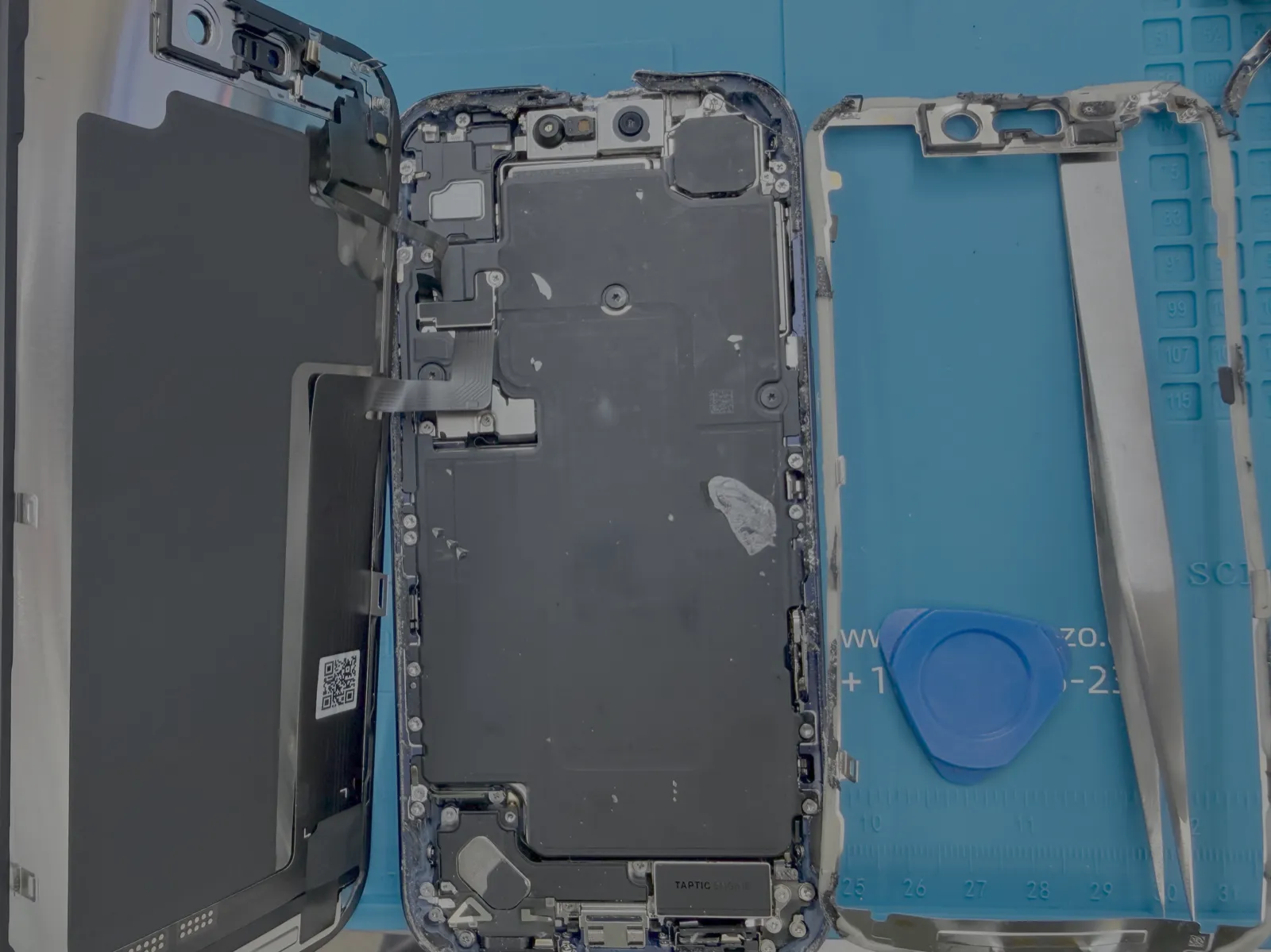
iPhone stuck on the Apple logo? What to try before you lose data

A looping Apple logo usually means iOS, storage, battery, or board-level trouble. Try the safe steps first, then stop before repeated restores make data recovery harder.

iPhone stuck on the Apple logo? What to try before you lose data

Quick checklist

Force restart once
Check cable and charging brick
Try a trusted computer update, not restore
Stop if photos or messages matter
Get a diagnostic if it loops again

When to try a fix and when to stop

Simple checks are worth trying once: different cable, different outlet, one restart, or one safe software update depending on the device. But if the issue repeats, the device heats up, smells burnt, shows liquid damage, or contains important data, stop testing and get a diagnostic.

At Electronics Garden Repair, we start with a free diagnostic at 499 7th Ave, New York, NY 10018. We explain what failed, what the repair path looks like, and whether repair makes financial sense before any work begins.

Why this matters for data and cost

Repeated power attempts, forced cables, heat, or restore attempts can turn a smaller repair into a more expensive one. A careful first look is usually cheaper than guessing with parts or software resets.

Customer trust

Repair customers choose us for clear answers

Short, practical feedback from NYC customers who needed a fast diagnostic, honest quote, and careful iPhone Boot Loop Repair help near Penn Station.

★★★★★

"Called before coming in, got a straight answer, and the final price matched the quote. Very easy if you work near Midtown."

Nadia K.

Midtown Manhattan

★★★★★

"They diagnosed it first and explained what was worth fixing. No pressure, no confusing tech talk, just clear options."

Chris M.

Chelsea

★★★★★

"Dropped it off near Penn Station and picked it up after work. The communication was excellent the whole time."

Amit S.

New York City

FAQ

Questions customers ask before visiting

Sometimes. If the issue is battery, charging, screen, storage, or a repairable hardware fault, data may remain intact. Avoid repeated factory restores if your data matters.

Most first-look diagnostics can be started the same day. We test charging, battery, display response, and recovery mode behavior before quoting.

If you already tried once and the data matters, stop and bring it in. Repeated failed restore attempts can reduce recovery options.

Need help today?

Walk in near Penn Station or book online. We are open daily from 10 AM to 8 PM.